Focus · E-Ink · Digital Writing
The Screen That Promises to Give Your Attention Back
SMARTS · 31 August 2026 · 12 min read
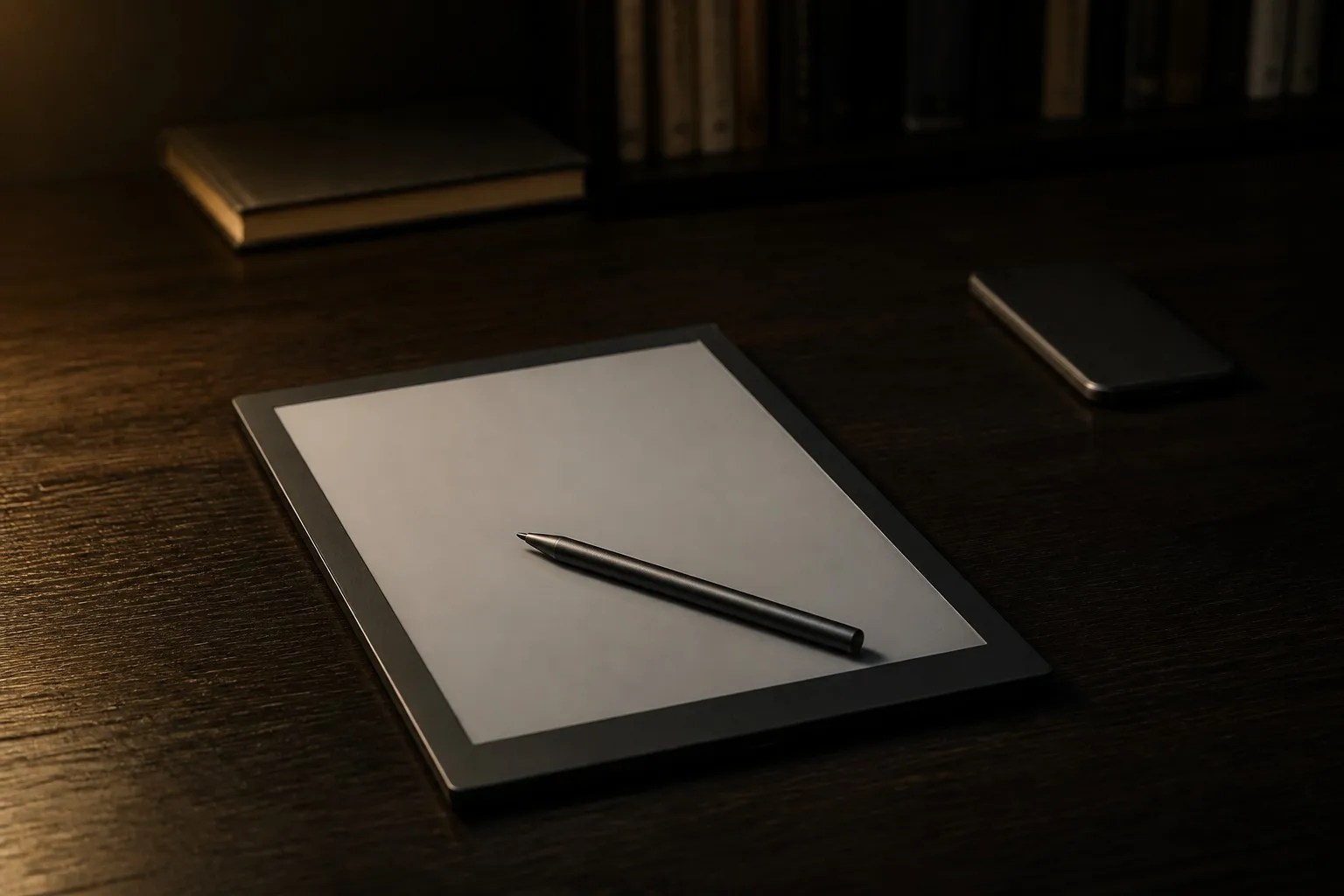
The phone lies face-down on the desk, and beside it sits the object that was supposed to make the phone unnecessary: a matte slab of electronic paper, grey as a coastal sky, waiting for a stylus. This is the modern purchase of attention, and it is made in good faith. People buy an E-Ink tablet because they have noticed something about themselves — that the device in their pocket has become an interruption engine, that reading has decayed into scrolling, that writing has decayed into typing into a box that is always connected to everything. The E-Ink tablet is sold as the exit: a screen that does not glow at you, does not refresh at sixty frames a second, does not carry the feed. It is a genuinely different kind of display, and it is genuinely easier to ignore. But the central paradox of the category sits on the desk beside the phone, unremarked: a distraction-free device is only as distraction-free as the software it runs, and the most flexible of these tablets run Android, which means the feed is one app-store search away from the notebook that was supposed to end the feed.
The Feeling First
The Hour That Belonged to Nobody
The feeling this category sells is specific and almost embarrassingly modest: an hour in which nothing interrupts. Not a productivity hour, not a social hour — an hour of reading a book, or writing by hand, without the twitch of the thumb reaching for the phone. People describe the E-Ink experience in the language of relief rather than delight: the screen is calm, the battery is endless, the device does not want anything from you. Wirecutter, an affiliate testing source updated 13 July 2026, describes the reMarkable line specifically as distraction-focused, and that word is the product: the device is engineered around the absence of temptation, not the presence of features.
The relief is real, and it is also fragile. The same matte screen that holds a notebook also holds, on the flexible models, a web browser and an app store. The device cannot protect the buyer from the buyer. It can refuse to glow, refuse to scroll smoothly, refuse to play video; it cannot refuse to install the application that brings the whole circus back. The emotional promise of the category — attention returned — is therefore a software decision made by the owner after the hardware purchase, and the manufacturers know it: the most focused devices in the category are the ones that locked the doors on purpose, and the price of that lock is flexibility. The buyer chooses which loss hurts less: the loss of the apps, or the loss of the focus.
The Market
Color Arrives, and the Price Ladder Gets Steeper
The category’s recent history is the story of color arriving without the compromises being resolved. Engadget’s tested roundup, updated 10 February 2026, lists the reMarkable Paper Pro at $579 to $629 with an 11.8-inch color display advertising 20,000 colors, the reMarkable 2 at $399, and the Kindle Scribe Colorsoft at $630 — prices as of the article’s publication. PCMag UK’s Kindle Colorsoft review, updated 16 June 2026, puts that device at $249.99, and IGN’s roundup, updated 27 February 2026, frames the entire category around focus while listing contemporary prices across Boox, reMarkable, Supernote and Kindle. The spread — roughly $250 to more than $600 before accessories — is the market’s real message: buyers now choose between a reading device, a writing instrument and a general-purpose Android slate, and the price follows the job.
The testing consensus on which device wins which job is unusually stable. Wirecutter names the Supernote Manta its overall writing and reading choice while describing reMarkable as the distraction-focused option; eWritable, a solo affiliate reviewer, accessed 31 August 2026, warns that Kaleido 3 color screens are darker and lower-contrast without the frontlight. There is no market-size figure in this article’s research record that would survive the standard of proof applied elsewhere in this series, so the honest market statement is qualitative: the category is migrating from monochrome readers toward color writing tablets, the prices are climbing with that migration, and the trade-offs are travelling with them.
The Pain
The Paradox That Ships in the Box
The pain of the category is the paradox itself. Buyers pay a premium for a distraction-free device, and on the Android-based models, the flexibility that justifies the premium can re-import the very distractions they were escaping. The screen technology is innocent; the software is the accomplice.
1. “Distraction-free” is a software choice, not a property of E-Ink. The display technology — no glow, no fast refresh, no video — is the hardware half of the promise. The other half is the operating system’s willingness to stay boring. Wirecutter’s framing of reMarkable as distraction-focused is a statement about its closed software, and the Android models’ flexibility is a statement about theirs. The same screen can host a notebook or a news feed; the difference is a setting, not a screen.
2. Color costs more than money. The color screen is the flagship feature of the current generation, and it is a compromise by design. eWritable notes that Kaleido 3 color screens are darker and lower-contrast without the frontlight; PCMag UK found color text warmer and less sharp, at 150 pixels per inch in color against 300 in monochrome. The buyer who mostly reads novels pays the color premium for a screen that makes black-and-white text marginally worse.
3. Refresh remains a hard ceiling. E-Ink refreshes slowly by design; that slowness is the calm. It is also the limit: video is not viable, animation is a slideshow, and even rapid page-turning has a visible cost. Engadget’s testing treats the category within those limits, and buyers who imagine a tablet that also plays video have imagined a different product.
4. The true cost arrives after the box. The headline prices — $399, $579 to $629, $630, $249.99 — are the entrance fee. The stylus, the folio and, on some platforms, a subscription are the rest of the ticket, and the cloud export that moves your handwriting to a computer is a feature that some models charge for. IGN’s focus-framed roundup lists contemporary prices, but no price list includes the pen you will lose and the folio you will replace.
The Numbers
Twenty Thousand Colors, One Hundred Fifty Pixels
The numbers that define this generation are the numbers of the color compromise. Engadget reports the reMarkable Paper Pro’s 11.8-inch color display at 20,000 colors — a manufacturer-advertised figure repeated by the tester, and a number that should be read as a marketing spec rather than a measured palette. PCMag UK’s Kindle Colorsoft measurements are more instructive: 300 pixels per inch in monochrome, 150 in color, with color text rendered warmer and less sharp. The ratio is the story — color costs half the resolution, and the eyes notice.
The battery numbers carry their own label. PCMag UK reports an eight-week battery life as claimed, while its own test used 20 percent over five days — a real-world drain that implies roughly a month rather than two, and a reminder that every battery figure in this category is a claim until your reading habits test it. The price ladder completes the picture: Engadget’s list runs $399 for the reMarkable 2, $579 to $629 for the Paper Pro and $630 for the Scribe Colorsoft, against $249.99 for the Kindle Colorsoft per PCMag UK — all prices as of their respective article dates, all excluding the pen, the folio and the subscription.
The Checklist
Three Jobs, Three Different Devices
01
Focused handwriting
The notebook replacement. Wirecutter names the Supernote Manta its overall writing choice and describes reMarkable as distraction-focused — closed software in exchange for a quieter writing surface.
02
Reading books and comics
Comics are the honest reason to pay for color. For prose, PCMag UK found color text warmer and less sharp at 150 ppi against 300 in monochrome — the color premium buys a slightly worse novel.
03
Flexible apps
The Android models run the app store, which is their strength and their trap: the feed is one search away. IGN’s focus-framed roundup lists Boox alongside the closed systems for exactly this trade.
“The device is not the discipline. The discipline is the device.”
The Buy
Choose the Job Before You Choose the Model
The buying rules of this category all descend from one sentence: choose the job before the model. The hardware is a screen; the job decides everything else.
1. Name the job, then match the device. Focused handwriting points to the writing-first devices — Supernote Manta as Wirecutter’s overall writing and reading choice, reMarkable as the distraction-focused alternative. Reading books and comics points to the readers, where PCMag UK’s Colorsoft findings — 300 ppi monochrome, 150 ppi color, warmer text — decide whether color is worth it. Flexible apps point to the Android slates, with the trap attached.
2. Understand what color actually costs. A darker background, half the resolution and a greater dependence on the frontlight are the documented trade-offs of current color E-Ink — eWritable on Kaleido 3’s darker, lower-contrast screens, PCMag UK on resolution and warmth. If the job is prose reading or plain writing, monochrome is not the budget option; it is the better option.
3. Accept the refresh ceiling. E-Ink does not do video, animation or fast scrolling. Engadget’s testing operates entirely within that ceiling, and the buyer should too: the moment the shopping list includes “casual video,” the purchase is the wrong category.
4. Count the full cost before comparing prices. The published figures — $399, $579 to $629, $630, $249.99 — exclude the stylus, the folio and any subscription or paid cloud export. Engadget’s prices are as of the article date; add the accessories and the monthly cost, then compare.
5. Buy the lock you can live with. “Distraction-free” is a software choice, and the choice is between a closed system that refuses the feed and an open one that trusts you to refuse it. Wirecutter’s framing of reMarkable as distraction-focused is the honest description of what closed software buys. Know yourself well enough to choose which side of that trade you belong on, because the device will not choose for you.
The Fine Print
The Feed Is One App-Store Search Away
1. Flexibility is the Trojan horse of focus. On the Android-based models, the app store that makes the device useful is the same door the distractions walk through. IGN’s focus-framed roundup lists Boox alongside the closed systems, and the difference is not the screen — it is the software policy. “Distraction-free” is a software choice, not a property of E-Ink, and no screen technology has ever out-disciplined its own app store.
2. Color is a compromise, not an upgrade. Darker backgrounds and lower contrast without the frontlight are documented on current color screens — eWritable’s note on Kaleido 3 — and color text is warmer and less sharp at half the resolution per PCMag UK. The buyer who needs color for comics or markup should pay for it; the buyer who does not should not be taxed for it.
3. Battery claims are manufacturer claims. The eight-week battery figure on the Kindle Colorsoft is claimed; PCMag UK’s own test used 20 percent over five days. Treat every endurance figure as a claim until your habits test it, and remember that frontlight dependence — greater on color screens — is the fastest drain of all.
4. Read the labels on the sources. eWritable is a solo affiliate reviewer, as it states itself; Wirecutter is an affiliate testing source; Engadget’s prices are as of 10 February 2026; PCMag UK’s review is regional. Engadget’s roundup itself labels the Paper Pro’s 20,000-color figure as advertised. Every number in this category carries a commercial position; read accordingly.
5. The true cost is the accessories and the subscription. The stylus, the folio and any cloud or subscription fees are part of the price, and they arrive after the box. The published price list is the entrance fee, not the ticket. Verify the export path for your handwriting before you commit your notes to a platform that charges to return them.
The Last Word
The E-Ink tablet is a honest piece of hardware in a dishonest position: it is sold as a cure for distraction, and it is, at best, a quieter place to be distracted in. The screen delivers what it promises — no glow, no feed, no video, an hour that belongs to a book or a notebook. The rest of the promise is the buyer’s. Choose the job first, accept the color compromise for what it is, count the pen and the folio and the subscription, and decide, honestly, whether you need the door locked or merely closed. The device will not keep your attention for you. It will only stop competing for it, which is, in the end, the whole argument for the category, and the whole limit of it.
— THE SMARTS DESK
Sources
Research Appendix
Every statistic in this article links to its primary source. Full list, as of 31 August 2026:
| Data point | Institution | Date | Source |
|---|---|---|---|
| reMarkable Paper Pro $579–$629, 11.8-inch color display, 20,000 colors (advertised); reMarkable 2 $399; Scribe Colorsoft $630; prices as of article | Engadget | Updated 10 Feb 2026 | E-Ink roundup |
| Supernote Manta overall writing/reading choice; reMarkable described as distraction-focused (affiliate testing source) | NYT Wirecutter | Updated 13 Jul 2026 | Digital notebook review |
| Kindle Colorsoft $249.99; 300 ppi monochrome / 150 ppi color; color text warmer and less sharp; eight-week battery claimed, test used 20% over five days | PCMag UK | Updated 16 Jun 2026 | Colorsoft review |
| Kaleido 3 color screens darker and lower-contrast without frontlight (solo affiliate reviewer) | eWritable | Accessed 31 Aug 2026 | Tablet guide |
| Category framed around focus; contemporary prices across Boox, reMarkable, Supernote and Kindle | IGN | Updated 27 Feb 2026 | E-Ink roundup |


Leave a Reply